


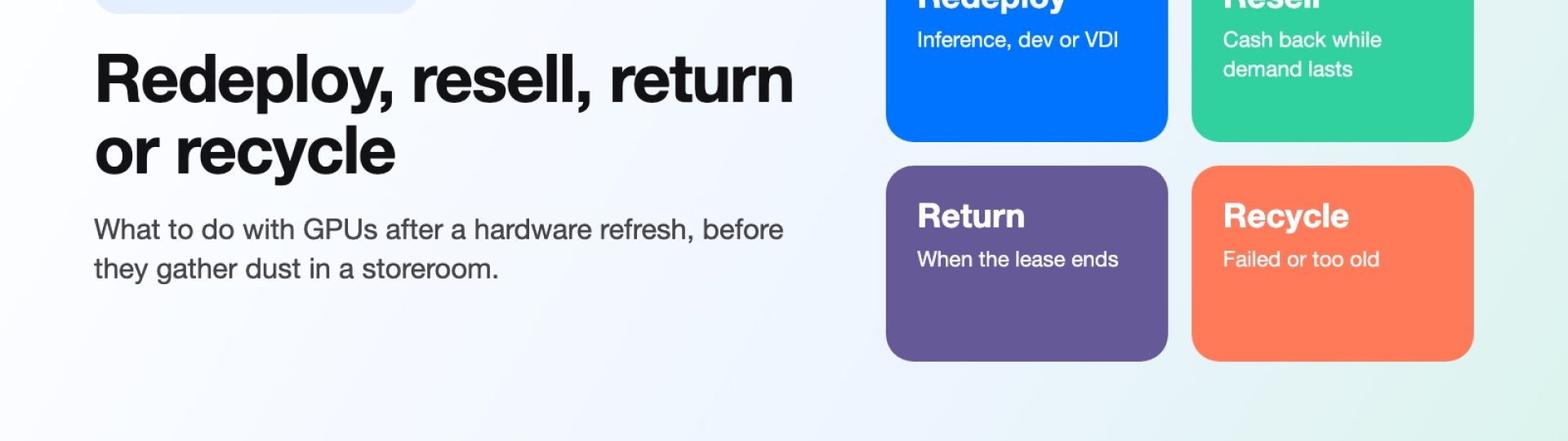
In most refreshes, the most expensive thing a company can do with the GPUs it has just replaced is nothing at all. The new servers go live, the old cards come out (or stay in their chassis), and the whole lot is wheeled into a storeroom with a note that says “decide later.”
Six months later, very few people remember which cards were healthy, the lease paperwork is sitting in someone’s inbox, and every month in storage has made the hardware a little less useful to anyone who might have wanted it.
The pressure to refresh is not going away either. The U.S. Department of Energy reported in December 2024 that data centers used about 4.4% of total U.S. electricity in 2023 and could use somewhere between 6.7% and 12% by 2028, according to the Lawrence Berkeley National Laboratory report it commissioned.
When power and rack space are the constraint, operators swap older accelerators for newer ones that do more work per watt, and that means more retired cards arriving at the loading dock on a shorter cycle.
So what should a business actually do with them? There are five realistic options. Each one fits a different situation, and most refreshes end up using two or three of them at once.
Start by Sorting What You Actually Have
Before choosing an option, it helps to know which of the two main GPU families you are dealing with.
- Data center GPUs: accelerators built for servers, such as the NVIDIA A100, H100, V100 and Tesla T4, or the AMD Instinct line. They come either as PCIe cards that slot into a standard server or as SXM modules that sit on a dedicated baseboard and talk to each other over NVLink.
- Workstation (professional) GPUs: cards such as the RTX A6000 or RTX 6000 Ada, built for engineering, design and visualization desktops, plus the occasional GeForce card that ended up in a lab machine.
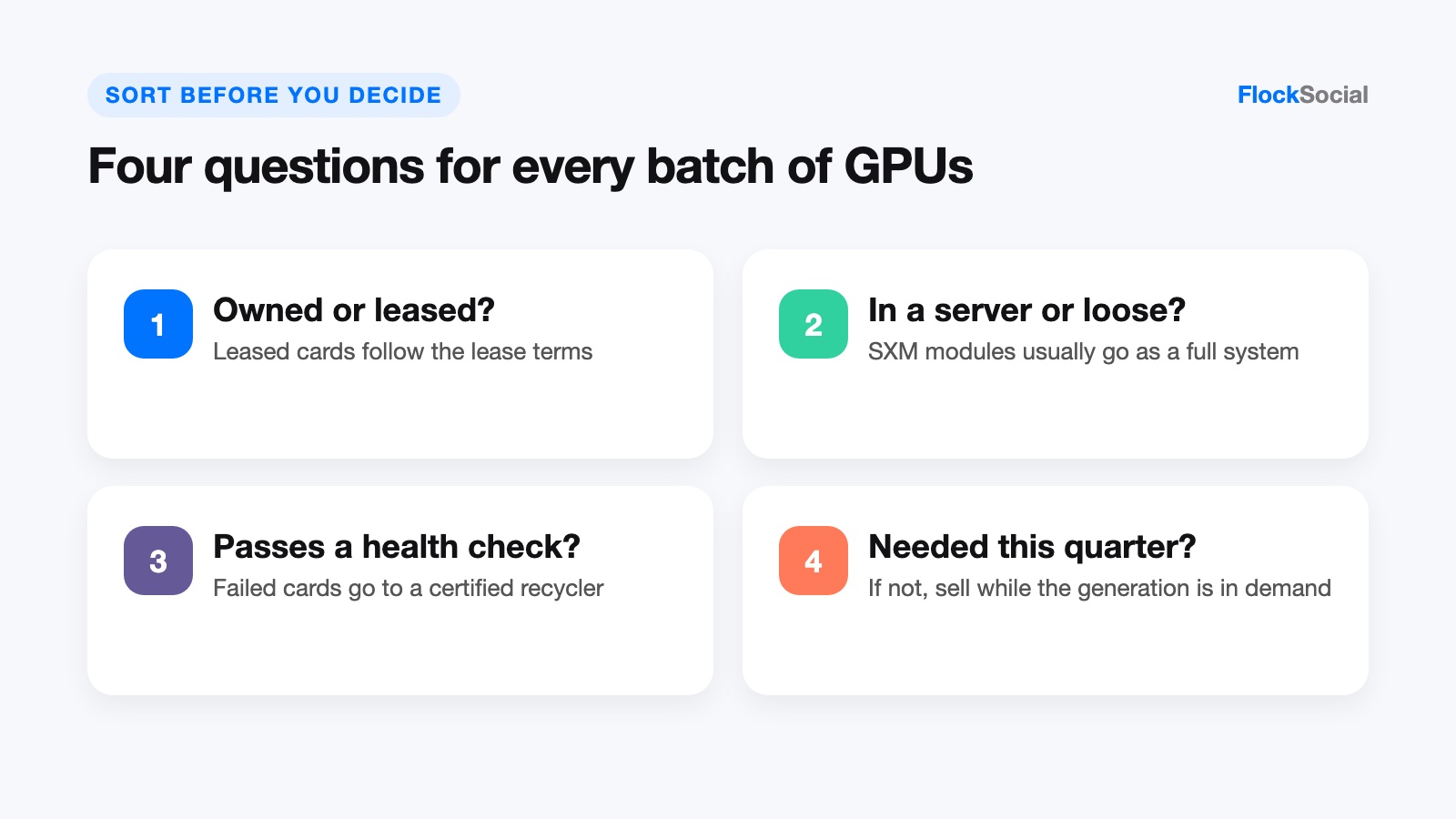
Then answer four quick questions for each batch: Is it owned or leased? Is it still inside a server or already loose? Does it pass a basic health check? And is there a team inside the business that could use it within the next quarter? Those four answers decide most of what follows.
The Five Options at a Glance
| Option | Best when | Effort | Data handling |
|---|---|---|---|
| Redeploy to inference, dev or VDI | Cards are healthy, still supported by current drivers, and you have power and rack space | Medium (reimaging, scheduling, monitoring) | Stays in-house; normal access controls apply |
| Cascade to another team | Another department has a lighter workload and no budget for new hardware | Low to medium | Wipe and reimage host drives before handover |
| Resell | Cards are owned, current enough to be in demand, and you want cash back | Low (buyback) to high (selling one by one) | GPUs hold no user data; host drives need verified wiping or shredding with a certificate |
| Return under lease | The cards or servers are leased and the term is ending | Low, if the paperwork is in order | Your responsibility until the gear leaves; wipe host drives first |
| Recycle | Cards are failed, physically damaged or too old to be useful to anyone | Low | Use a certified recycler; get destruction records for any drives |
Option 1: Redeploy to Inference, Development or VDI
A card that is too slow to train the newest models may still be good enough to run them. Inference (serving a trained model to users) usually asks less of the hardware than training does, and internal development and test clusters are rarely as demanding as production. Virtual desktop infrastructure (VDI), where one server GPU is shared across many remote desktops, is another common second home for engineering and design teams.
Best when: the cards pass health checks, your software stack still supports them, and you have the power and cooling to keep them running.
Watch out for:
- Software support. Check that current drivers and frameworks still support the generation in question. For VDI, the card has to appear on NVIDIA’s list of GPUs supported by its vGPU software, and several data center cards are not on it.
- Running costs. An older card that does the same job with more electricity than its replacement is still using power, cooling and rack space, and if the new hardware already has spare capacity, the old card may cost more to keep than it is worth.
Option 2: Cascade to Another Team
Cascading means handing the replaced hardware down to a group with lighter needs, for example from the machine learning platform team to a data science group or a rendering department. It is usually the cheapest way to get more use out of a card, and it is often overlooked because the hardware and the people who need it sit in different budgets.
Best when: someone else in the organization has a real, near-term workload and would otherwise be buying new.
Watch out for: handing over hardware without its history. Pass along the serial numbers, error history and warranty status with the cards, and wipe and reimage any host drives before the servers change hands, because a different team means a different set of people with access.
Option 3: Resell
Reselling turns the cards into cash while they still have value, and for owned data center GPUs from recent generations, that window is the main reason not to let them sit. The real question is how you sell, because each route trades payout against effort.
Buyback, consignment or selling individually?
- Buyback. A specialist buyer quotes the whole lot, collects it and pays. This is the lowest-effort route and the fastest, and the payout is set by the buyer up front.
- Consignment. A reseller lists your hardware and pays you a share when it sells. You may get more per card, but you wait, and you carry the risk that some units do not sell.
- Selling individually online. Listing cards one at a time can return the most per unit, but you take on the listings, the buyer questions, the shipping, the returns and the fraud risk, which is manageable for five workstation cards and much less so for two hundred data center modules.
Bulk lots and single units are also priced differently. A buyer looking at forty identical, tested PCIe cards with clean serial records can quote them quickly, while a single card with no test history carries more uncertainty, and buyers tend to quote uncertain hardware cautiously.
Where a buyback fits
Teams clearing a full rack of cards at once, often still sitting in their host servers, can send one inventory list to Big Data Supply, whose used GPU buyback program covers data center models such as the A100, H100, H200 and Tesla T4 as well as RTX A6000 workstation cards and AMD Instinct accelerators, and which issues payment after the data has been securely erased, together with a data destruction certificate. For larger volumes, it runs a Sort and Settle process (photographs and an initial estimate, then shipping, cataloging, data wiping and testing before final payment with documentation), which suits a business that would rather sell used GPU inventory in one transaction than in forty separate listings. The company is R2v3 and RIOS certified, and it offers free pickup for bulk lots, which matters when the hardware is heavy, numerous and still racked.
Best when: the cards are owned, current enough to be in demand, and nobody inside the business has a real plan for them.
Watch out for: export rules on advanced accelerators (confirm the buyer’s destination and compliance process), and quotes that only cover loose cards when you would rather sell the complete servers.
Option 4: Return Under Lease
If the GPUs or the servers they live in are leased, the lease decides the outcome. Most agreements spell out the return condition, the packaging, the shipping arrangements and what happens if a component is missing.
Best when: the term is ending and the equipment is configured the way it arrived.
Watch out for:
- Missing parts. A server returned without its original GPUs, rails or drive trays can trigger charges, so if cards were swapped between machines during the lease, match serial numbers before anything ships.
- Data on the drives. The lessor takes back the hardware, but the data on the host drives remains your responsibility until it is destroyed. Wipe the drives with a verified overwrite or cryptographic erase before return and keep the records, or ask whether the lease allows you to keep and destroy the drives separately.
Option 5: Recycle
Recycling is the right answer for cards that have failed, been physically damaged or are too old to be useful to any buyer. It is the wrong answer for healthy, current hardware, because recycling recovers materials and nothing else.
Best when: the card does not work, or no one will run it.
Watch out for: who does the recycling. The EPA points businesses toward electronics donation and recycling programs and notes that recycling one million laptops saves the energy equivalent of the electricity used by more than 3,500 U.S. homes in a year (a 2006 USGS estimate). For enterprise gear, choose a recycler certified to a recognized electronics recycling standard, and get destruction records for any drives that go with the GPUs.
The Operational Steps Before Anything Leaves the Building
Whichever option you pick, the same steps apply.
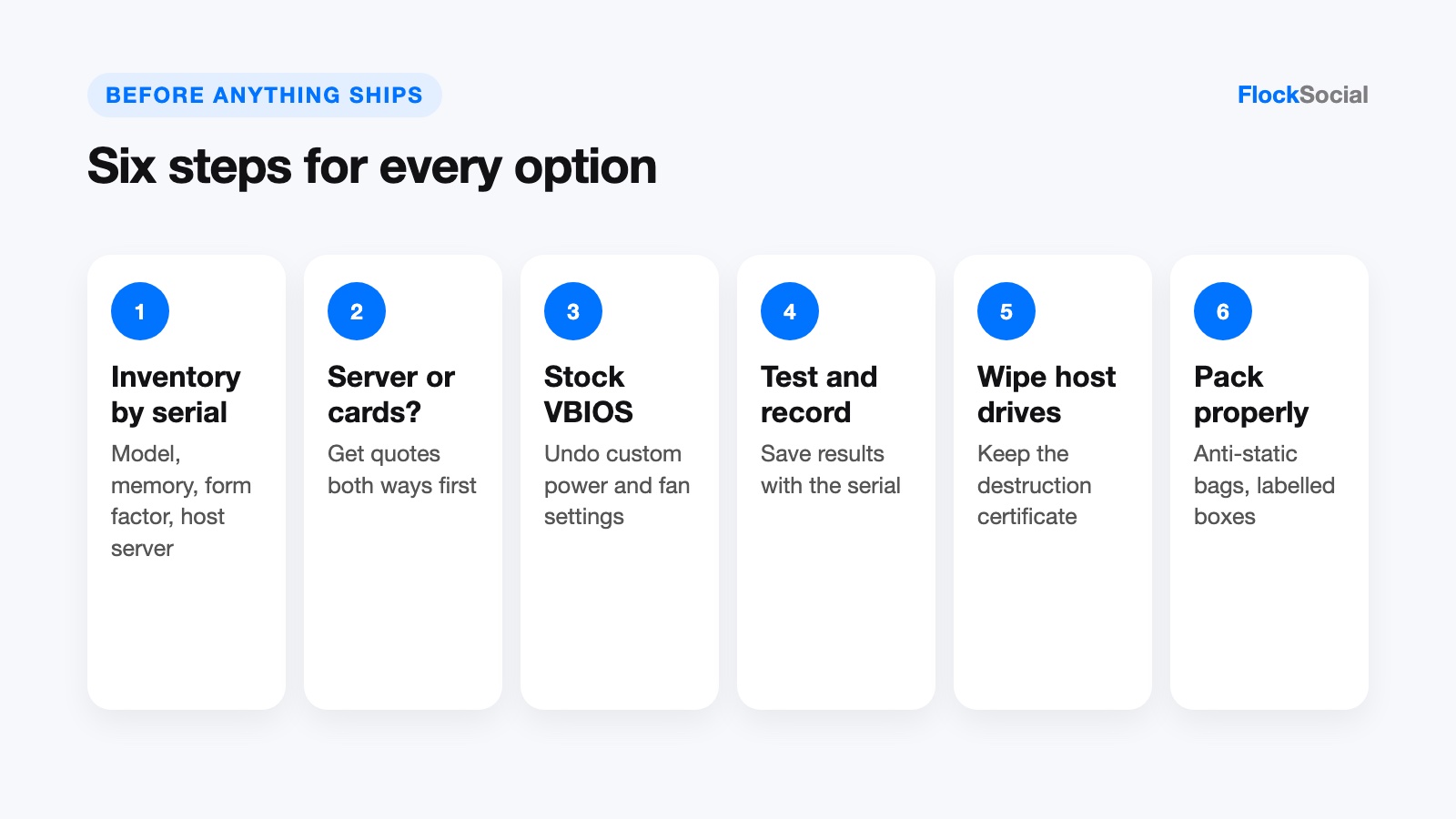
- Inventory by serial number. Record the model, memory size, form factor (PCIe or SXM), serial number and host server for every card. Without serial-level records, you cannot prove what was left, match lease returns or answer an auditor later.
- Decide whether to keep the server or pull the cards. SXM modules are designed for their baseboard and usually make the most sense sold or returned as a complete system. PCIe cards in general-purpose servers can be pulled, but ask buyers to quote both ways before you start unscrewing.
- Check firmware and VBIOS. The VBIOS is the card’s own firmware. If you flashed custom settings (power limits, fan curves or mining profiles), restore the stock version, because buyers and the next team both expect a card that behaves like it left the factory.
- Test and record the results. For data center cards, NVIDIA’s dcgmi diag tool runs four levels of diagnostics, from quick software checks to extended hardware stress tests. The same documentation notes that non-data-center GPUs such as GeForce and Quadro cards support only the first level, so workstation cards usually need a load test inside a working desktop instead. Save the output with the serial number.
- Handle the data where it actually lives. GPUs do not store user data persistently: video memory clears when the power goes off, and the VBIOS holds firmware settings, not files. The host servers’ hard drives and SSDs are where the data sits. Wipe them with a verified overwrite (or cryptographic erase for self-encrypting SSDs), or have them physically shredded, and keep the certificate of data destruction.
- Pack properly. Use anti-static bags and the original trays or foam where you have them, do not ship SXM modules loose, and label every box with the serial numbers inside it.
Frequently Asked Questions
Do GPUs need to be wiped before they are sold or recycled?
No, not in the way drives do. A GPU’s memory is volatile and clears when the card loses power, and the VBIOS stores firmware settings rather than user files. The servers the cards came out of are a different matter, because their hard drives and SSDs hold real data and need verified wiping or physical destruction, with a certificate to prove it.
Can workstation GPUs and data center GPUs go to the same buyer?
Often, yes, but they are evaluated differently. Data center cards are judged on form factor, memory size and test history, while workstation cards are usually tested in a desktop, so list the two groups separately on the inventory and the buyer can quote each one properly.
Is it better to resell now or redeploy first and sell later?
It depends on whether a real workload is waiting. If a team will use the cards within a quarter, redeploying first is reasonable. If the plan is vague, selling while the generation is still in demand usually returns more than the same card will be worth after another year on a shelf.
The Short Version
If you treat a GPU refresh as a decision to make in the same month as the upgrade, most of the value in the old cards can be put to use. Sort the cards by family and ownership, give the healthy ones a real job or a buyer, return what is leased and recycle what is broken, and keep serial-level records and drive destruction certificates for all of it. Of the options covered here, the storeroom is the only one that returns nothing.