



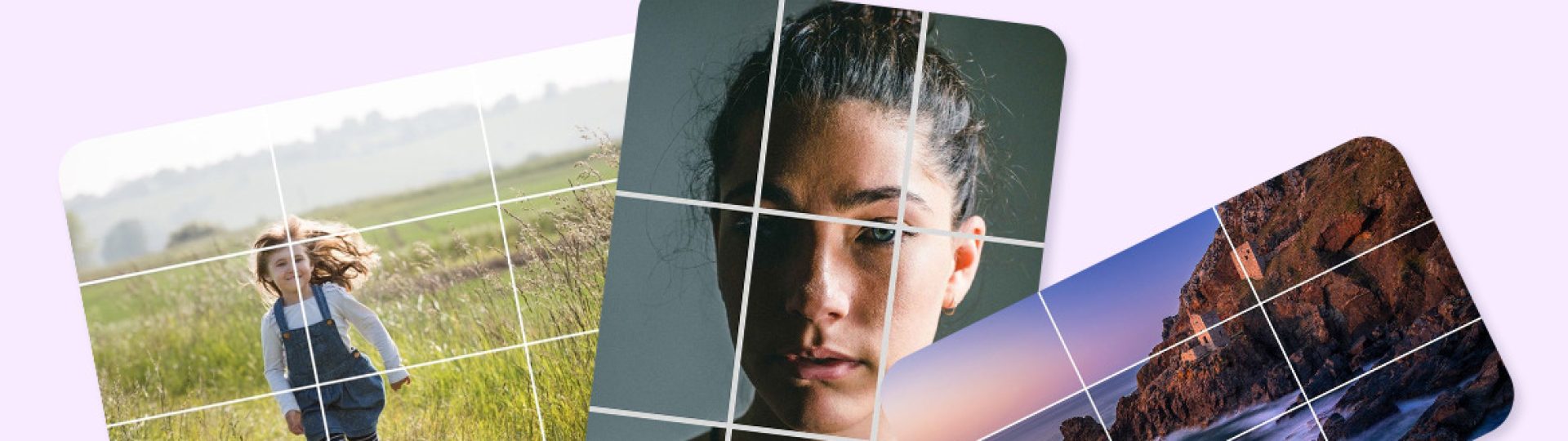
Making great Instagram content is all about the visuals – and that means using the correct image and video sizes. You’ve probably seen it before – uploading a post in the wrong dimensions and it looks all chopped up and weird. That’s what happens when you don’t know the right size for your Instagram posts, stories and reels. Whether you’re a pro content creator, marketer or business owner, getting your head around the latest Instagram dimensions is key to having your posts look top-notch on every device.
Why Instagram Image Sizes Matter (And What Happens If You Get It Wrong)
Instagram likes to compress images after they’re uploaded, which is great for keeping file sizes down but not so great if you’ve got a wonky aspect ratio. If you don’t use the recommended sizes, your images might get cropped or look like they’ve been run through a shredder. Not exactly the look you’re going for.
Using the right Instagram dimensions gives you a bunch of benefits:
- Better looking images – no cropping or compression nonsense;
- Improved user experience – your posts look great, not like they’ve been mangled;
- More professional branding – you’ll look like a pro, not an amateur;
- More visibility in the feed – people will actually see your posts;
- Stronger engagement with your audience – they’ll actually want to look at your stuff.
So it’s worth taking a minute to get your head around the right Instagram image size.
Instagram Size Cheat Sheet (2026)
Here are the sizes you need to know:
- Profile Photo: 320 x 320 pixels – just a good old square.
- Square Post: 1080 x 1080 pixels – the classic square.
- Portrait Post: 1080 x 1350 pixels – great for mobile devices.
- Landscape Post: 1080 x 566 pixels – panoramic shots and all that.
- Stories: 1080 x 1920 pixels – these guys are a lot taller.
- Reels: 1080 x 1920 pixels – videos, folks.
- Carousel Posts: 1080 x 1350 pixels – like a portrait post but with multiple images.
And don’t worry if you forget – just keep these dimensions saved somewhere and you’ll be golden.
Instagram Post Sizes: Which Size Should You Use?
Instagram’s got a bunch of image formats to choose from, each suited to a different type of content. Here are the ones you need to know:
- Square Posts (1:1): 1080 x 1080 pixels – great for product pics, quotes and all that\
- Portrait Posts (4:5): 1080 x 1350 pixels – these are like the classic portrait shots\
- Landscape Posts (1.91:1): 1080 x 566 pixels – for those big panoramic shots
Using the right size ensures your images look sharp and pro. Strong dimensions are only one part of the visual process, because stylized visual content also depends on consistent framing, colors, and layout choices that make each post feel intentional.
Instagram Story Size Guide
Stories are one of the most engaging types of content on Instagram, and we’ve got the sizes you need to know:
- 1080 x 1920 pixels.
- Aspect ratio: 9:16.
Here’s the thing – it’s worth leaving a bit of space at the top and bottom for the Instagram interface. Don’t put important text too close to the edges, either. And just for the record, high-res images and videos are a good thing.
Instagram Reels Dimensions
Reels are a great way to reach new people without shelling out for ads. Here are the sizes you need to know:
- 1080 x 1920 pixels.
- Aspect ratio: 9:16.
- Vertical format.
Just a note – make sure your Reels are centered and you’ve got a clear cover image. Use good quality exports and try to keep text readable on mobile devices. If you are creating more video assets for Reels, AI tools for creating social media videos can help speed up production while still keeping formats, captions, and mobile readability in mind.
Instagram Profile Picture Size
Your Instagram profile picture might be the first thing people see when they visit your account, so you want it to be good. Here’s the size you need:
- 320 x 320 pixels.
Just a quick tip – make sure to center your logo and leave some space around important elements. Use high-res graphics and keep your branding consistent across all social media.
Best Practices for High-Quality Instagram Photos
Even with the right dimensions, image quality still matters. Here are some quick tips to get you there:
- Export images at 1080 pixels wide;
- Use JPEG for most photos;
- Avoid compressing images too much before uploading;
- Keep colors consistent across all posts;
- Preview images on mobile before publishing;
- Design images at full size whenever you can.
For creators handling many posts, exports, references, and campaign files, managing large media files properly makes it easier to avoid lost assets, duplicate versions, and rushed uploads.
With these tips, you should be able to save your images from the horrors of compression.
Simplify Your Workflow with Inflact Manager for Instagram_
Managing your Instagram posts can quickly become a nightmare to deal with, especially if you’re a creator or a brand who are constantly pushing out new content. That’s where Inflact manager for Instagram comes in – it’s a set of tools that helps bring a bit of order to your social media chaos and makes it easier to keep a consistent Instagram profile.
Whether you’re scheduling posts, coming up with new ideas, or putting together a campaign, being able to keep everything in one place makes a huge difference to your efficiency. And if you’re a creator who wants to be able to download an Instagram photo or look at an Insta photo downloader online to make your creative workflow a bit easier, then in addition to the scheduling tools it has, this platform also has some extra resources that are perfect for content organisation and getting inspiration.
Save Visual References with Our Instagram Downloader
Poking around at what other people are doing is a great way to get some inspiration for your own content. Saving public posts can also make it easier to keep useful visual references on hand when comparing layouts, image dimensions, colour palettes and other design choices. The Grabfy Instagram Downloader provides a browser-based way to save supported public Instagram photos and videos for offline reference.
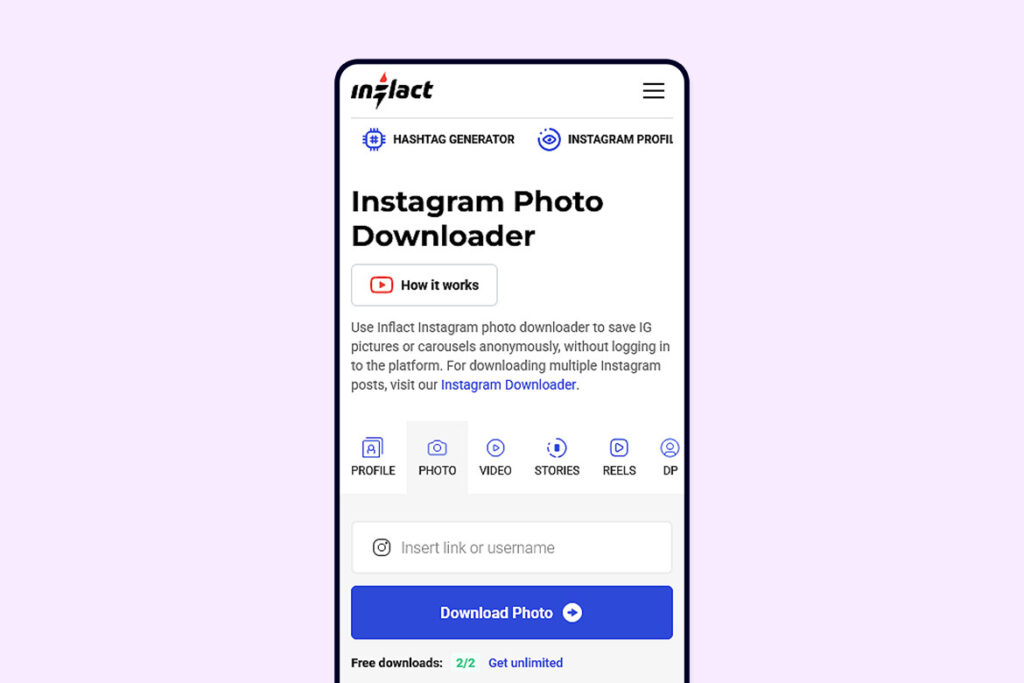
With the Instagram photo downloader, you can save any publicly available images that you like to use for inspiration, mood boards or even just to do some design research. It also preserves the image quality, which makes it loads easier to take a closer look at the layout, colour palettes and all that sort of thing.
If you need an Instagram downloader or an Insta photo downloader online for doing some legitimate creative research, this tool does the trick for getting the visual references you need. Just don’t forget to always respect copyright and use the images responsibly.
Common Instagram Sizing Mistakes To Avoid
Even seasoned creatives can make dumb mistakes that end up reducing the quality of their content.
Try to avoid these common issues:
- Upload a low-resolution file – it’s just going to get pixelated and look rubbish.
- Use the wrong aspect ratio – it’s going to get cropped and look messy.
- Place text right on the edge – it’s going to get cut off and look unfinished.
- Ignore the Story safe zones – it’s going to get chopped off and look amateur.
- Compress the image too much – it’s going to lose all its detail.
- Post a screenshot instead of the actual image – it’s just lazy.
Just a quick check before you publish can help you avoid all of these problems and keep your content looking top-notch.
Instagram Publishing Checklist – Before You Go Ahead and Publish
Key things to check:
- Are the dimensions correct?
- Is my image in high resolution?
- Am I using the right aspect ratio?
- Have I made sure there’s a good safe margin around the edges?
- Does it look alright on a mobile?
- Is this going to fit with the rest of my brand?
Using a simple checklist like this can help you make sure every post meets Instagram’s recommended specs.
Conclusion
Getting the right Instagram dimensions is one of the easiest ways to make your content look and perform a lot better. Whether it’s a feed post, a Story, a Reel or just a new profile picture, following the latest size recommendations will stop it getting cropped and keep the image quality looking good across different devices.
When you put that with a bit of thought put into your design, some high resolution images and a consistent publishing plan, your content is going to look a lot more professional and your audience will appreciate it. Save this guide for future reference and make checking image dimensions a regular part of your content creation workflow. Even small improvements like this can make a big difference to how your brand looks and performs on Instagram.


