



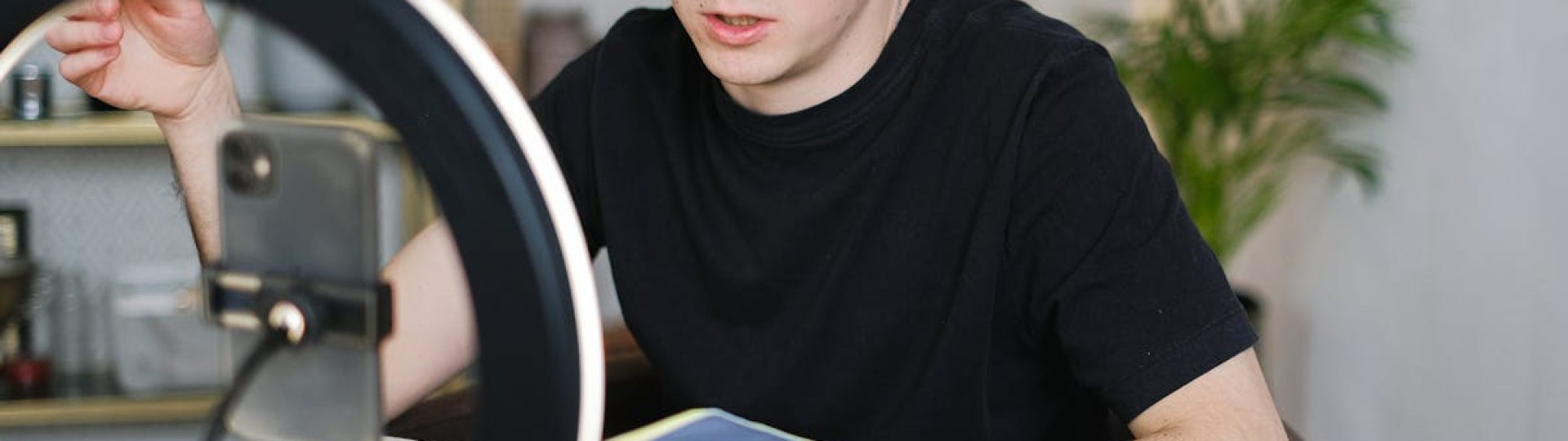
Going live is exciting. You hit that broadcast button, and suddenly you’re sharing your content with the world in real time. But here’s the challenge many streamers face: how do you get more people to actually watch while you’re in the middle of streaming?
That’s where Instagram comes in. With its massive user base and features designed for quick, visual communication, Instagram is one of the best tools you can use to promote live streams on Instagram while you’re actively broadcasting. Whether you’re streaming on Twitch, YouTube, or another platform, Instagram can help you pull in viewers who might not otherwise know you’re live.
This guide will walk you through practical strategies for using Instagram to drive traffic to your streams in real time. You’ll learn how to set up your account, use Stories effectively, create quick posts, and keep your audience engaged throughout your broadcast. Let’s dive in.
Why Instagram Works for Live Stream Promotion
Instagram is built for speed and visual content. When you post a Story or share an update, your followers see it almost immediately. This makes it perfect for time-sensitive announcements like going live on another platform.
Think about how people use Instagram. They scroll through their feed during breaks, check Stories while waiting in line, and browse Reels when they have a few minutes to spare. If you can catch their attention during one of these moments, you have a real chance of directing them to your stream.
Another reason Instagram works so well is its notification system. When you post a Story, followers who have notifications turned on will see it right away. This creates an immediate opportunity to let people know you’re live and give them a reason to tune in.
Streamers who focus on audience growth across multiple platforms often find that Instagram serves as a bridge between their streaming content and their social media presence. It’s a place where you can build relationships with viewers even when you’re not live, which makes them more likely to show up when you are.
The visual nature of Instagram also helps. You can share screenshots from your stream, behind-the-scenes content, or quick clips that give people a taste of what they’re missing. This kind of content is much more engaging than a simple text announcement. Understanding live video trends can help you create content that resonates with today’s audiences.
Setting Up Your Instagram for Stream Promotion
Before you start promoting your streams, you need to make sure your Instagram account is ready. A few simple setup steps can make a big difference in how effective your promotions are.
First, make sure your bio clearly states what you do. If you’re a streamer, say so. Include the platforms where you stream and consider adding your streaming schedule if you have a regular one. This helps new visitors understand what to expect from your account.
Next, add a link to your streaming channel in your bio. You can use a link-in-bio tool if you want to share multiple links, but at minimum, make sure people can easily find where to watch you. When you go live, you can direct people to click the link in your bio to join.
Consider switching to a creator or business account if you haven’t already. These account types give you access to insights about your audience, which can help you understand when your followers are most active. This information is valuable for timing your stream announcements.
Building a solid follower base before you start promoting streams is also important. The more followers you have, the more people will see your announcements. If you’re looking to grow your Instagram following, focus on posting consistently and engaging with others in your niche.
Using Instagram Stories to Announce Your Stream
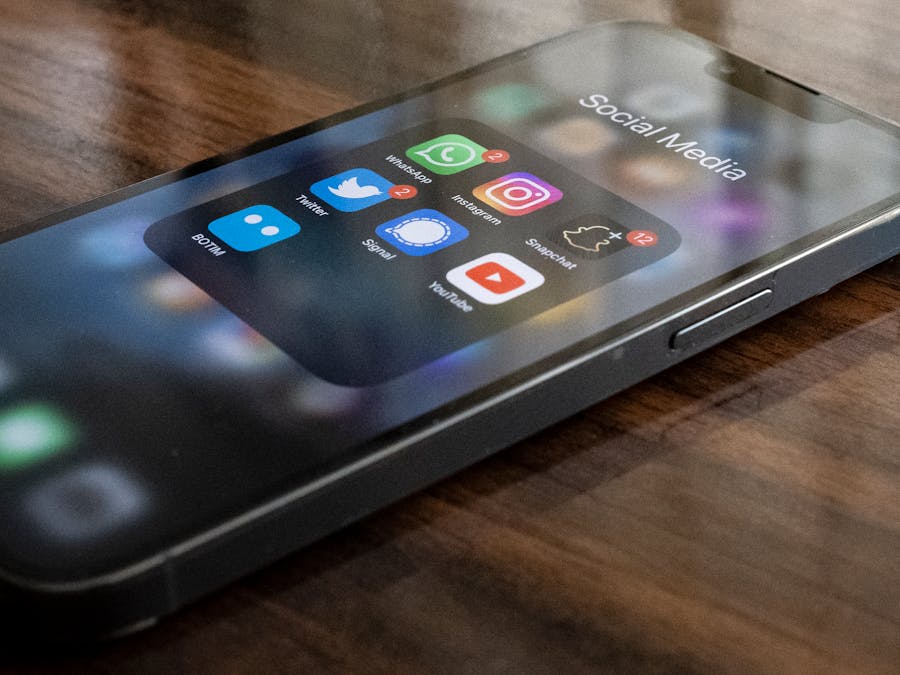
Instagram Stories are your best friend when it comes to real-time stream promotion. They appear at the top of the app, they’re quick to create, and they disappear after 24 hours, which creates a sense of urgency.
When you’re about to go live or have just started streaming, post a Story immediately. Keep it simple but eye-catching. You might include a screenshot of your stream, a quick selfie with text overlay, or a graphic you’ve prepared in advance.
Use text to communicate the key information: what you’re streaming, where to watch, and why people should tune in. Something like “LIVE NOW on Twitch! Playing the new update – link in bio” gets the message across quickly.
Take advantage of Instagram Stories features to make your announcements more engaging. The countdown sticker is great for scheduled streams because followers can set reminders. The question sticker lets you ask what game people want to see or what topics they want you to cover. Polls can help you gauge interest in different content ideas.
Don’t just post one Story and forget about it. Throughout your stream, share updates. Post a clip of something exciting that happened, share a viewer comment that made you laugh, or give a quick update on what’s coming up next. This keeps your Instagram audience engaged and gives people multiple opportunities to decide to join.
The link sticker is incredibly useful if you have access to it. You can add a direct link to your stream, making it as easy as possible for people to tap and watch. If you don’t have the link sticker, remind people to check your bio.
Creating Urgency in Your Stories
One of the most effective techniques is creating a sense of urgency. Let people know what they’re missing right now. Phrases like “happening now,” “don’t miss this,” or “only streaming for the next hour” encourage immediate action.
You can also tease upcoming moments in your stream. If you’re planning to do a giveaway, reveal something, or play with a special guest, mention it in your Story. This gives people a specific reason to tune in rather than just a general invitation.
Creating Quick Posts While You Stream
While Stories are great for immediate announcements, regular feed posts can also help you reach people who might not check Stories as often. The key is making these posts quick to create so they don’t take you away from your stream for too long.
Prepare some templates in advance. You can create simple graphics with your streaming schedule or “I’m live” announcements that you can post quickly. Having these ready means you just need to add any specific details and hit share.
Screenshots from your stream make excellent quick posts. Capture an exciting moment, a funny interaction, or just a nice shot of your setup. Add a caption that tells people you’re live and where to find you.
Keep your captions short and action-oriented. You want people to stop scrolling and head to your stream, not spend time reading a long caption. Include a clear call to action like “Join me now – link in bio!”
Encourage your followers to boost engagement on posts by asking questions or inviting comments. When people comment on your post, it gets shown to more people through Instagram’s algorithm. You might ask what game people want to see next or what they think about the content you’re streaming.
Timing Your Posts
Try to post at the beginning of your stream and then again if something particularly exciting happens. You don’t want to spam your followers, but a couple of well-timed posts can significantly increase your viewership.
If you have a moderator or friend who can help, ask them to handle your Instagram posts while you focus on streaming. This way, you can keep your attention on your broadcast while still promoting it effectively.
Tools That Help You Stream and Promote Simultaneously
Managing a stream while also promoting it on Instagram can feel overwhelming. Fortunately, there are tools designed to make this easier.
Multistreaming platforms allow you to broadcast to multiple platforms at once. This means you can reach audiences on Twitch, YouTube, and other platforms simultaneously without running multiple streams. The popularity of Restream shows how many streamers rely on these tools to expand their reach.
If you use OBS (Open Broadcaster Software) for streaming, you can connect it to multistreaming services easily. Setting up Restream via OBS lets you manage your broadcast from familiar software while still reaching multiple platforms.
For Instagram specifically, consider using scheduling tools that let you prepare posts in advance. While you can’t schedule Stories directly through most tools, you can have your feed posts ready to go. Some tools will even send you a notification when it’s time to post, so you don’t forget.
Stream deck devices or apps can also help. You can set up buttons that quickly open Instagram or copy your stream link to your clipboard, making it faster to create promotional content without interrupting your broadcast.
Using Your Phone Efficiently
Keep your phone nearby and unlocked during streams. Have Instagram open and ready to go. You might even want to have a Story template saved in your camera roll that you can quickly add text to and post.
Some streamers set up a second monitor or tablet specifically for managing social media during streams. This keeps everything visible and accessible without having to switch between apps on your main streaming device.
Engaging Your Instagram Audience During the Stream
Promotion isn’t just about announcing that you’re live. It’s also about keeping your Instagram audience engaged throughout your broadcast so they stay interested and maybe even join you.
Post regular updates to your Stories throughout the stream. Share highlights, funny moments, or viewer interactions. This creates a narrative that makes people curious about what’s happening and encourages them to tune in.
Respond to DMs and comments when you can. If someone asks a question about your stream, answer it quickly. This personal interaction makes people feel valued and more likely to support you.
Encourage your viewers to engage with Instagram Stories by reacting to your posts or sending you messages. When people interact with your content, Instagram shows your future posts to them more often. This builds a cycle where your most engaged followers always see your stream announcements.
Consider doing Instagram-exclusive content during your stream. Maybe you share a behind-the-scenes look at your setup, or you answer questions from Instagram followers on stream. This gives your Instagram audience a reason to pay attention and makes them feel like part of a special community.
Building Community Through Interaction
The goal isn’t just to get viewers for one stream. It’s to build a community of people who regularly tune in and support your content. Instagram is a great place to nurture these relationships because it allows for more personal, casual interaction than most streaming platforms.
Share your personality on Instagram. Post about your life, your interests, and your thoughts. When people feel like they know you as a person, they’re more invested in your success and more likely to show up when you go live.
Tips for Gaming Streamers on Instagram

Gaming content has a huge presence on Instagram, and there are some specific strategies that work well for gaming streamers looking to promote their broadcasts.
Visual content is key. Games are inherently visual, so take advantage of this. Share stunning screenshots, exciting gameplay clips, and reaction shots. Instagram’s Reels feature is perfect for short gaming clips that can attract new followers and remind existing ones about your streams.
Many gaming creators on Instagram have found success by focusing on specific games or genres. This helps you attract a targeted audience who is genuinely interested in the content you stream. When you announce a stream, these followers are more likely to tune in because they know they’ll enjoy what you’re playing.
Understanding technical aspects of streaming can help you create better content for Instagram too. For example, knowing about bitrate helps you ensure your stream looks good, which means the clips you share on Instagram will also look professional and appealing.
Connect with other gaming creators on Instagram. Comment on their posts, share their content, and collaborate when possible. This helps you build gaming communities on social media and exposes your content to new potential viewers.
Game-Specific Hashtags and Trends
Use hashtags related to the games you play. When a new game releases or a major update drops, there’s usually a surge of interest on social media. Posting content with relevant hashtags during these moments can help you reach people who are actively looking for that content.
Stay aware of gaming trends and memes. Participating in these trends on Instagram can increase your visibility and show that you’re an active part of the gaming community.
Promoting Long-Running and Scheduled Streams
Not all streams are short sessions. Some streamers do marathon streams, charity events, or even continuous broadcasts that run for extended periods. These require a different promotional approach.
For scheduled streams, start promoting well in advance. Post about upcoming streams a few days before, then again the day before, and finally when you go live. Use the countdown sticker in Stories so followers can set reminders.
If you run longer streams, you’ll want to promote 24/7 streams on Instagram with regular updates throughout the broadcast. Since you can’t expect people to watch for hours straight, give them reasons to check in at different times. Announce special segments, guest appearances, or milestone moments.
Create a posting schedule that matches your streaming schedule. If you stream every Tuesday and Thursday evening, your Instagram followers should come to expect stream announcements at those times. Consistency helps build habits, and habits lead to regular viewership.
Using Highlights for Ongoing Promotion
Save your best stream announcement Stories to Highlights on your profile. Create a Highlight called “Live” or “Streams” where people can always find information about when and where you broadcast. This is especially useful for new followers who want to learn about your streaming schedule.
You can also create Highlights for specific games or content types. This helps people quickly understand what kind of streams you do and whether they’d be interested in watching.
Promoting your live streams on Instagram while you’re actively broadcasting takes some practice, but it’s worth the effort. By using Stories effectively, creating quick posts, leveraging helpful tools, and engaging with your audience, you can significantly increase your viewership. The key is to make promotion a natural part of your streaming routine rather than an afterthought. Start implementing these strategies today, and watch your stream numbers grow.


