Organic Instagram growth
How the Instagram Reels Algorithm Works, and How to Fix a Stalled Reel
How Instagram tests a Reel on a small group first, why some Reels aren't recommended at all, and what to change when yours stop reaching non-followers.
By Flock Social TeamPublished November 13, 202611 min read
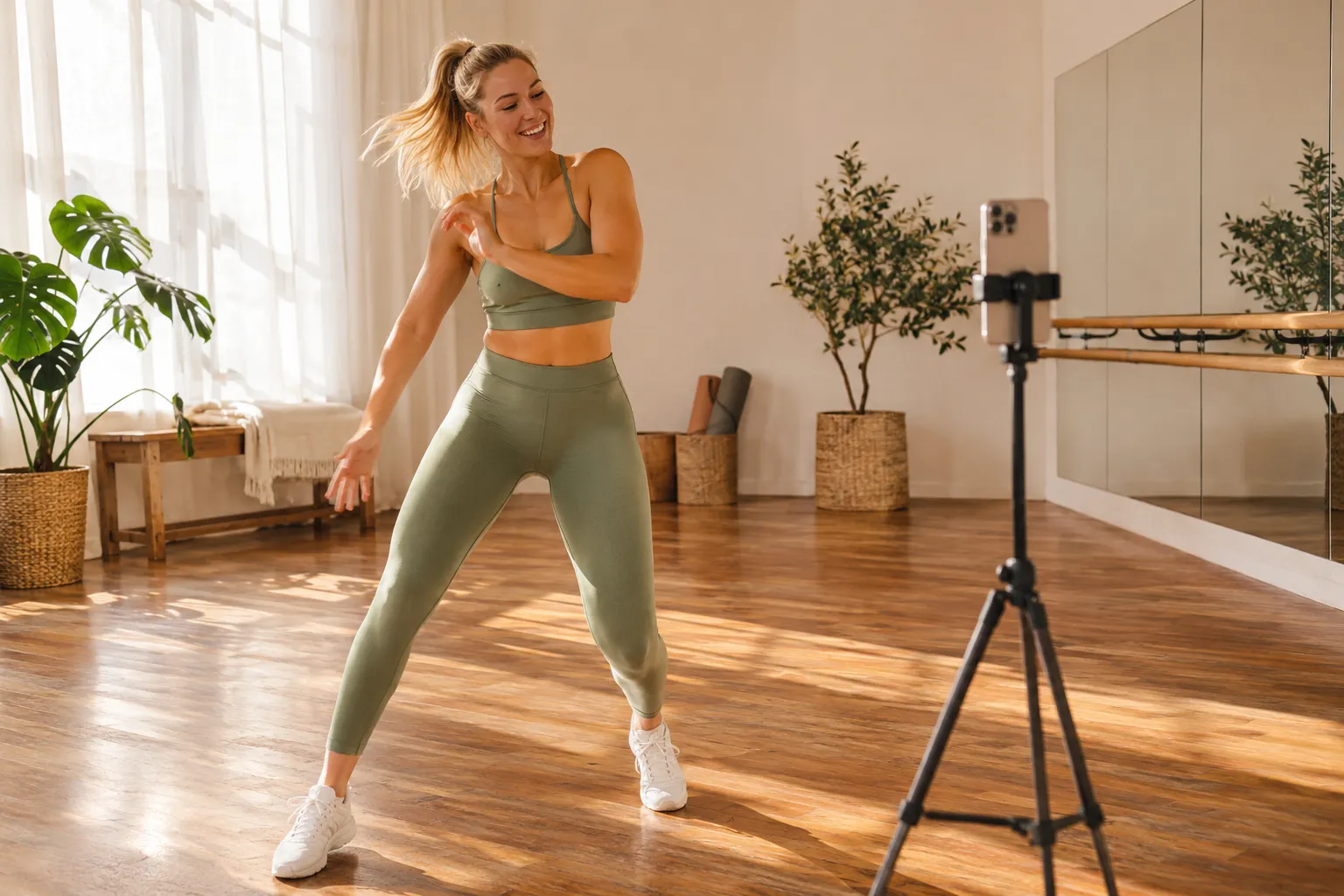
You posted a Reel you were proud of, and almost everyone who saw it already followed you. Or it climbed to a few hundred views and stopped. Both come from the same mechanism. Instagram shows each new Reel to a small group of people who don't follow you and who it predicts will enjoy it. If that group watches, shares and likes it, Instagram shows it to more people, step by step.
So the fix is usually in what that first group sees in the first few seconds, or in whether the Reel was eligible to be recommended at all. This guide explains the test, the signals Instagram has named, the reasons a Reel gets held back, and which change to try first, with a date on every Instagram claim. Reels are one part of growing an account. Our guide to organic Instagram growth covers the full method.
How a Reel reaches people who don't follow you
In February 2025, Instagram's creators blog described how it ranks and recommends Reels. Instagram first announced the change in April 2024 and had fully launched it by February 2025. It works as a staged test:
- A new Reel goes first to a small group of non-followers that Instagram predicts will enjoy it.
- If the Reel does well with them, it goes to a slightly wider audience.
- Reels that keep performing keep getting wider audiences.
Instagram said it judges each stage on signals such as watch time, retention, shares, likes and comments, and matches the Reel to people with similar interests. The stated aim is to distribute a Reel "based on its engagement, not just the creator's follower count." Instagram also warned that reach becomes less predictable as a result. Its own example, @pov_husband, grew from nothing to more than 2 million people following in under a year. That is the case Instagram picked to show off, not a typical result.
The older explanation still holds. In May 2023, Adam Mosseri, the head of Instagram, wrote that Instagram has no single algorithm, and that most of what people see in Reels comes from accounts they don't follow. He listed the Reels signals "roughly in order of importance":
- Your activity: the Reels a viewer has recently liked, saved, reshared or commented on.
- Your history with the poster: whether the viewer has interacted with that account before.
- Information about the Reel: what's in it, such as the audio and visuals, and how popular it is.
- Information about the poster: how popular the account is, by follower count or engagement.
Back in June 2021, Instagram said it predicts whether a viewer will watch a Reel to the end, like it, find it entertaining and visit its audio page. In January 2025, Mosseri named watch time, likes per reach and sends per reach as the top three signals, with sends counting slightly more for people who don't follow you, as reported by Social Media Today. Instagram has not published weights for any of them.
So your follower count matters less than how the first strangers react. A small account can pass the test. A large one can fail it.
Why a Reel isn't being recommended
Before changing your content, rule out the reasons Instagram gives for keeping a Reel out of recommendations. The rows below come from Mosseri's May 2023 explainer and from Instagram's recommendation eligibility page for creators (checked November 2026).
| Problem | What Instagram says | Fix |
|---|---|---|
| Another app's logo or watermark | Watermarked Reels are shown less (May 2023) | Upload a clean version |
| Low resolution | Low-resolution Reels are shown less (May 2023) | Export and upload at full quality |
| Muted | Muted Reels are shown less (May 2023) | Add sound or audio |
| Borders | Reels with borders are shown less (May 2023) | Fill the vertical frame |
| Mostly text | Reels that are majority text are shown less (May 2023) | Show something moving, not a slide |
| Already posted | Reels already posted on Instagram are shown less (May 2023) | Post new material, not a repeat |
| Longer than 3 minutes | Reels must be 3 minutes or less to be recommended (eligibility page) | Cut it under 3 minutes |
| Private account | Only public accounts' content is recommended (eligibility page) | Switch to a public or professional account |
| Content outside the Recommendation Guidelines | Violent, sexually suggestive and regulated-goods content, such as vaping, is less likely to be recommended to non-followers. Repeat posting, or a profile photo or bio that breaks the guidelines, can make the whole account ineligible (eligibility page) | Edit or remove the posts, and check your profile |
| An account that mostly reposts | Accounts posting mainly unoriginal content may not be recommended to new audiences (original content guidelines) | See the originality test below |
Mosseri's 2023 explainer adds that accounts which repeatedly break the guidelines can lose recommendation eligibility "for a period of time."
What counts as original
Instagram's original content guidelines (undated, checked November 2026) define original work as something you created yourself or third-party material you have materially edited. Borders, watermarks, speed changes and simply crediting the original creator don't count. Neither does a screenshot with credit.
Instagram's own quick test is useful: remove your contribution. If what's left is virtually the same, add more of you.
An account that has lost eligibility gets it back once "a significant percentage" of its recent posts, over a rolling 30-day period, are original. Instagram doesn't define that percentage, so don't trust anyone who gives you a number. Your followers still see your posts either way. On 30 April 2026, TechCrunch reported that Instagram had extended these rules from Reels to photos and carousels.
How to check
Open Account Status, in your settings. Instagram says it shows whether your account is eligible to be recommended. If it isn't, edit or delete the posts that conflict with the guidelines, then request a review. While the account is ineligible, Instagram won't recommend its Reels to non-followers, so fix this before you change anything else.
What to change when Reels don't reach non-followers
Each change below follows from that mechanism and comes with the Insights number that should move if it works.
Win the first three seconds
Instagram's February 2025 advice was to hook viewers in the first 3 seconds. In August 2025, Social Media Today reported that Instagram was replacing View Rate in Reels Insights with skip rate: the share of views where someone skipped within the first 3 seconds. Open on the result, the question or the moment of tension. Skip the logo and the greeting. Our guide to short-form video has more on hooks.
Check: skip rate goes down, and the start of the retention chart drops less steeply.
Make it work with the sound off
Many people watch Reels with the sound off. Put the topic on screen in the first frame and caption anything spoken.
Check: average watch time goes up compared with your recent Reels.
Give people a reason to send it
Sends count slightly more for reaching non-followers, per Mosseri's January 2025 comments. People send things that solve a problem for a friend, make them laugh, or show something they'll want to talk about. Our guide to why people share posts covers what makes something worth passing on.
Check: sends per reach goes up.
Make the work yours
Run Instagram's quick test on every Reel that uses someone else's material. Credit alone doesn't make a repost original. Your commentary, your edit, your result or your angle does.
Check: Account Status stays clean. If recommendations had stopped, more non-followers engage over the next 30 days.
Add audio
Instagram said in February 2025 that adding audio helps Reels and photos reach more people. A muted Reel is already on its not-recommended list.
Check: reach and non-followers engaged, compared with similar Reels you posted without audio.
Test ideas with trial reels
Trial reels go to non-followers first, before your followers see them. Instagram says results aren't guaranteed. Use them for a new format or topic you aren't sure about. Our organic growth guide has Instagram's figures on what creators saw after trying them.
Check: reach and skip rate on the trial, compared with your usual Reels. Because a trial goes to non-followers first, this shows how strangers respond to the idea.
Post regularly around one topic
Instagram's February 2025 advice was to post regularly, because each Reel gets its own chance to reach a new audience. Instagram also said it matches Reels to people with similar interests, so sticking to one topic gives each new Reel a clearer audience to be matched with. Our post on how often to post on Instagram suggests a starting range.
Check: across several Reels, reach holds or grows, and so does the number of non-followers who engage.
If you only change one thing, start with the first three seconds. That is our judgment, not an Instagram rule. It rests on the mechanism: the staged test ends early for a Reel the first group skips, and a viewer who skips never sees the rest.
What viewers' controls mean for your reach
Viewers can now shape what Instagram recommends to them. On 10 December 2025, Instagram launched Your Algorithm on Reels in the US. It shows a viewer the topics Instagram thinks they care about and lets them ask for more or less of a topic. On 15 April 2026 it expanded to Explore, globally in English. On 10 June 2026 it covered Feed, Reels and Explore globally in English, and Feed posts recommended from an interest started carrying labels such as "From Running."
Instagram hasn't said how this affects creators, or how declared topics weigh against what people actually watch. Our reading: a Reel with a clear topic, named in the caption and on screen, is easier to match to someone who asked for that topic. An account that jumps between unrelated topics gives Instagram less to match on.
How to read your Reels Insights
Insights shows where a Reel lost people. Compare each number with your own recent Reels, not with other accounts, and change one thing per Reel so you know what worked. Our guide to Instagram Insights explains where each metric lives.
| Number | What it tells you | What to change |
|---|---|---|
| Average watch time | How long people stayed (one of Mosseri's top three signals, January 2025) | The pacing and the middle of the Reel |
| Retention chart | Where people left. The flatter the line, the more engaged your audience, per Instagram as reported in August 2025 | The moment where the line drops |
| Skip rate | Share of views skipped in the first 3 seconds (August 2025) | The opening |
| Sends per reach | How often viewers passed it on (top three signal) | The reason to send it |
| Likes per reach | How much it landed with viewers; counts slightly more with followers (top three signal) | The payoff and the topic fit |
| Accounts engaged, split into followers and non-followers | Whether the Reel got past your followers. Insights splits the accounts that engaged this way, not every account reached | Eligibility first, then the opening |
If few of the accounts that engaged are non-followers and Account Status is clean, start with the opening. If engagement has dropped across your whole account, not only on Reels, our guide to why Instagram engagement is down covers the wider causes.
You'll know the changes are working when, over several Reels, skip rate falls, watch time and sends rise, more of the accounts that engage are non-followers, and Account Status stays clean.
What won't fix a stalled Reel
- More hashtags. Since mid-December 2025, posts and Reels can carry up to 5 hashtags, and Mosseri said hashtags don't increase reach, according to reporting at the time. Use a few to describe the Reel. Our guide to hashtags for Instagram growth covers how to choose them.
- Buying views or likes. Meta's spam policy bans buying likes, views, follows and other engagement. Bought views also tell you nothing about whether real viewers would watch.
- Signal "hacks" with exact multipliers. Instagram hasn't published signal weights, so any claim that sends count a set number of times more than likes is a guess.
- Deleting and reposting the same Reel. Instagram shows less of Reels already posted on Instagram, so the repost starts at a disadvantage.
Reels bring people to your profile. Turning them into followers takes the rest of the organic growth method: a clear profile, regular posting and time spent with the people who fit. Flock works on that last side. It finds the people who fit your account and engages with them, so the right people come across your profile. It doesn't make, post or boost Reels, and it has no effect on how Instagram ranks them. See how Flock works.
FAQ
Is Instagram deprioritizing Reels?
Not according to the sources checked for this article. In September 2025, Adam Mosseri, the head of Instagram, credited Instagram's growth to DMs, Reels and recommendations and said the app would be reoriented around them, as Engadget and other outlets reported. Instagram also says Reels make up over half of the time people spend on the app.
How long should a Reel be?
Instagram Reels can be up to 3 minutes long, a change Adam Mosseri announced in January 2025, and Instagram's creator page says a Reel must be 3 minutes or less to be recommended. Instagram hasn't published an ideal length. Use your retention chart to see where your viewers leave.
Is 1,000 views on a Reel good?
It depends on your own baseline. Compare it with your recent Reels and with the size of your audience, and check in Instagram Insights how many of the accounts that engaged were non-followers. For ways to raise the number, see our guide to getting more views on Instagram.
What are the 3-2-1 and 3/8/12 rules?
The 3-2-1 and 3/8/12 rules are rules of thumb that circulate online. No Instagram source uses them, and they aren't defined consistently. Instagram's own advice is a strong hook in the first 3 seconds, original work and regular posting.
How do I change or reset my own Reels algorithm?
Use Instagram's Your Algorithm feature. As of June 2026, you open it from the icon at the top right of Reels, or from Settings and activity, then Content preferences. From there you can see your top interests and ask for more or less of a topic.