



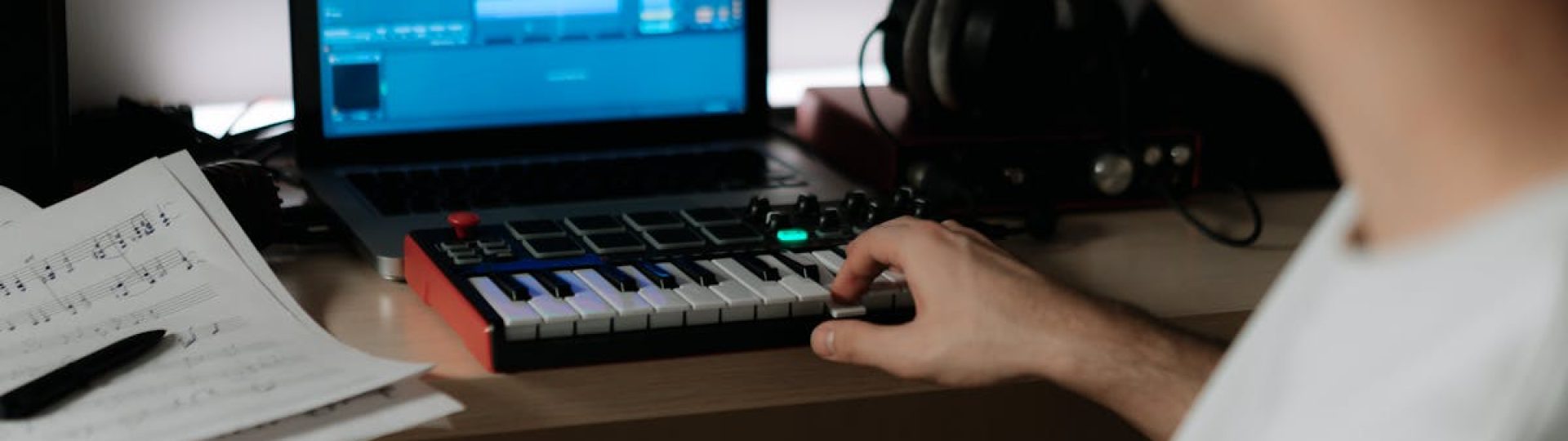
TikTok has changed how we think about video content. Short clips, catchy sounds, and creative edits grab attention in seconds. But here’s the thing—finding the perfect music for your videos can be tricky. You might love a popular song, only to find it’s blocked in certain regions or flagged for copyright. Or maybe you want something unique that matches your exact vibe, but nothing in the sound library fits.
That’s where AI music tools for TikTok come in. These clever tools let you create custom soundtracks without needing years of music training or expensive software. You describe what you want, and the AI builds a track for you. It’s like having a music producer in your pocket, ready to help whenever inspiration strikes.
Whether you’re a lifestyle creator, a small business owner, or someone who just loves making videos, AI music tools open up exciting possibilities. Let’s explore how they work, why they matter, and how you can start using them to make your TikTok content stand out.
What Are AI Music Tools and How Do They Work?
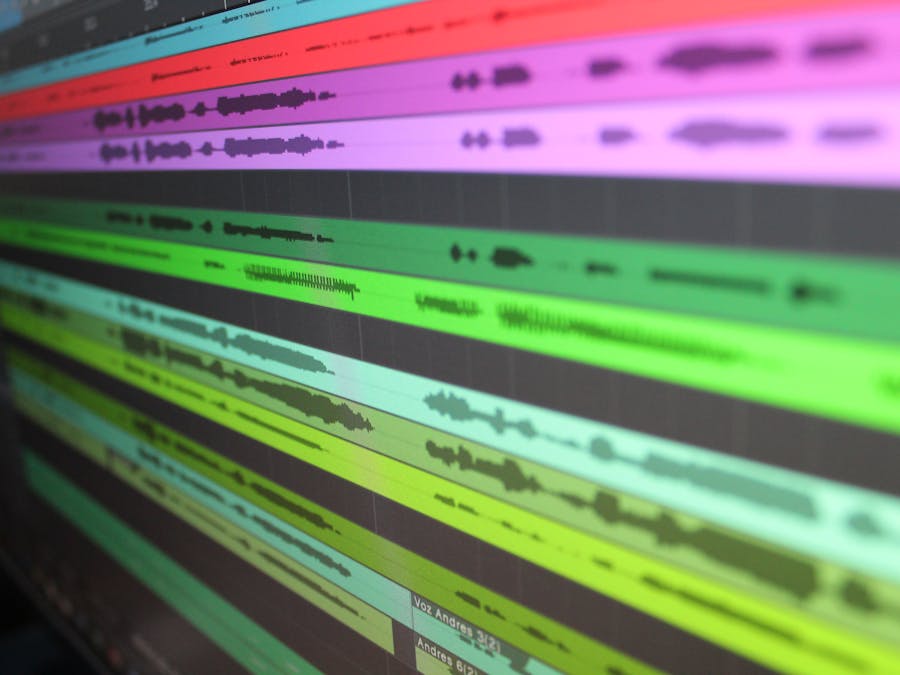
AI music tools are software programs that use artificial intelligence to create original music. Instead of recording instruments or hiring musicians, you simply tell the tool what kind of track you need. The AI analyzes your request and generates a piece of music that matches your description.
The process is surprisingly simple. Most tools work through text prompts. You might type something like “upbeat electronic track with a happy summer feel” or “calm acoustic guitar for a cooking video.” The AI takes these words and translates them into actual music, complete with melodies, rhythms, and harmonies.
Behind the scenes, these tools have been trained on vast amounts of musical data. They’ve learned patterns, structures, and styles from countless songs across every genre. When you give them a prompt, they draw on this knowledge to create something new. The result is AI-generated music that sounds professional and polished.
One popular approach is the Text To Music method, where creators type descriptions to generate custom tracks. You don’t need to understand music theory or know how to play an instrument. The AI handles the technical side while you focus on the creative direction.
This technology fits into a broader wave of AI content trends for creators that are making professional-quality content more accessible to everyone. Just as AI writing tools help with captions and scripts, AI music tools help with audio—giving creators more control over every aspect of their content.
Why TikTok Creators Are Turning to AI Music
TikTok runs on sound. The right audio can make a video go viral, while the wrong choice can leave it buried in the algorithm. That’s why more creators are exploring AI music tools for TikTok as a solution to common audio challenges.
First, there’s the copyright issue. Using popular songs can lead to videos being muted, demonetized, or even removed. AI-generated tracks are original creations, which means you own the rights to use them however you want. No more worrying about takedown notices or regional restrictions.
Second, AI music helps you stand out. When everyone uses the same trending sounds, your content can blend into the crowd. Custom tracks give your videos a unique audio identity that viewers will start to recognize. This is especially valuable for creators focused on TikTok brand growth strategies, where consistency and originality help build a loyal audience.
Third, AI music saves time. Instead of scrolling through endless sound libraries hoping to find something that fits, you can describe exactly what you need and get it in minutes. This efficiency matters when you’re posting regularly and need fresh content fast.
Finally, AI music tools level the playing field. You don’t need a budget for licensing fees or connections in the music industry. Anyone with an idea can create professional-sounding audio that elevates their content.
Key Features to Look for in AI Music Tools
Not all AI music tools are created equal. When choosing one for your TikTok content, certain features make a big difference in your results and workflow.
Customization options are essential. Look for tools that let you adjust tempo, mood, instruments, and duration. The more control you have, the better you can match the music to your specific video needs. Some tools even let you tweak individual elements after the initial generation.
Genre variety matters too. Whether you need hip-hop beats, ambient soundscapes, or upbeat pop tracks, your tool should handle different styles. This flexibility lets you experiment with various content types without switching between multiple platforms.
Ease of use is crucial for busy creators. The best tools have simple interfaces where you can generate tracks quickly without a steep learning curve. If you’re spending more time figuring out the software than making content, it’s not the right fit.
Consider how the tool handles sound design elements. Good AI music tools don’t just create melodies—they also manage layers like bass, percussion, and atmospheric effects. This comprehensive approach gives you fuller, more professional-sounding tracks.
Export options are another consideration. Make sure the tool outputs files in formats that work with your video editing software. Most creators need MP3 or WAV files that they can easily import into their editing apps.
Using time-saving tools for social media growth across your workflow helps you create more content in less time, and AI music tools fit perfectly into this efficiency-focused approach.
How to Create Your First AI-Generated Track for TikTok
Ready to make your first AI track? Here’s a simple walkthrough to get you started.
Step 1: Define your video’s mood. Before opening any tool, think about what feeling you want your video to create. Is it energetic and fun? Calm and thoughtful? Mysterious and intriguing? Having a clear direction helps you write better prompts.
Step 2: Write a descriptive prompt. Be specific but not overly complicated. Instead of just saying “happy music,” try “upbeat acoustic guitar with light percussion, cheerful and sunny, good for a morning routine video.” The more details you include, the closer the result will match your vision.
Step 3: Generate and listen. Run your prompt through the AI tool and listen to what it creates. Most tools generate tracks in seconds or minutes. Don’t expect perfection on the first try—this is part of the creative process.
Step 4: Refine and adjust. If the track isn’t quite right, tweak your prompt or use the tool’s editing features. You might need to adjust the tempo, change instruments, or shift the overall mood. Think of the AI as a collaborator you can virtual co-produce with, working together to shape the final result.
Step 5: Export and import. Once you’re happy with the track, download it in your preferred format. Then import it into your video editing app and sync it with your footage. Trim the audio to match your video length and adjust volume levels as needed.
Step 6: Test with your video. Watch the complete video with the music. Does the energy match? Do transitions feel natural? Make final adjustments until everything flows smoothly.
Creative Ways to Use AI Music in Your TikTok Videos

AI music isn’t just for background tracks. Here are practical ideas for incorporating custom audio into different types of TikTok content.
Tutorial and how-to videos benefit from consistent, unobtrusive music. Create a signature track that plays softly behind your explanations. This builds recognition—viewers will start associating that sound with your helpful content.
Vlogs and day-in-my-life content can use music to set the pace. Generate upbeat tracks for energetic morning routines and calmer pieces for evening wind-down segments. Matching music to your activities makes the viewing experience more immersive.
Transition compilations are perfect for AI music. Create tracks with clear beats that you can sync your cuts to. When your transitions hit exactly on the beat, the whole video feels more polished and satisfying to watch.
Product showcases and reviews can use custom music to enhance the mood without distracting from your message. A subtle, professional-sounding track adds production value while keeping focus on what you’re presenting.
For live video content creation, consider having AI-generated intro and outro music ready. This gives your live sessions a professional feel and helps viewers know when you’re starting and wrapping up.
Storytelling content can use music to build emotion. Generate tracks that rise and fall with your narrative. Tension-building music for dramatic moments, resolution music for happy endings—AI tools can create all of it.
Comparing AI Music Tools to Traditional Music Production
Understanding how AI music differs from traditional production helps you appreciate what these tools offer.
Traditional music production requires significant investment. You need instruments, recording equipment, software, and most importantly, skills developed over years of practice. Even hiring someone to create custom music can cost hundreds or thousands of dollars per track.
AI music tools flip this model. The barrier to entry is almost zero. You don’t need musical training, expensive gear, or a big budget. The AI has already “learned” how to compose, arrange, and produce—you just guide its creative direction.
Time is another major difference. A professional producer might spend days or weeks on a single track. AI tools generate usable music in minutes. For creators who need to post frequently, this speed is transformative.
Of course, there are trade-offs. AI-generated music may lack the nuanced emotion that a skilled human composer brings. Complex arrangements or very specific stylistic requirements might be better served by traditional production. But for most TikTok content, AI music delivers more than enough quality.
It’s worth noting the differences between Instagram and TikTok when it comes to audio. TikTok’s culture is deeply sound-driven, making custom music even more valuable on this platform compared to more visually-focused platforms.
Tips for Making Your AI Music Sound More Professional
Getting good results from AI music tools takes some practice. Here are tips to elevate your tracks.
Match tempo to your content pace. Fast-paced videos with quick cuts need higher BPM tracks. Slower, more contemplative content works better with relaxed tempos. Pay attention to how the music’s rhythm aligns with your visual rhythm.
Layer sounds thoughtfully. Some AI tools let you generate multiple elements separately. You might create a main melody, then add a separate percussion track. Layering gives you more control over the final mix.
Use music to guide attention. Quieter moments in your track can signal important information coming. Building intensity can create anticipation. Think of music as another storytelling tool, not just background noise.
Don’t overpower your voice. If you’re speaking in your video, make sure the music doesn’t compete with your words. Lower the volume during talking sections or choose tracks with less busy arrangements.
Develop a consistent style. Just like how successful influencers got started by developing recognizable personal brands, you can create audio consistency. Use similar moods, instruments, or tempos across your content to build a sonic identity.
Edit for length. AI tools often generate tracks longer than you need. Learn to trim and loop sections so the music fits your video perfectly without awkward cuts or fade-outs.
Building a Content Workflow with AI Music Tools
Integrating AI music into your regular content creation process helps you stay consistent and efficient.
Batch your music creation. Instead of generating a new track for every video, set aside time to create multiple tracks at once. Build a personal library of AI-generated music organized by mood, tempo, and style. When you need audio for a new video, you’ll have options ready to go.
Create templates for recurring content. If you post certain types of videos regularly—like weekly updates or series episodes—develop signature tracks for each format. This saves time and builds viewer recognition.
Plan music alongside content. When you’re brainstorming video ideas, think about the audio too. Note what kind of music each concept needs. This prevents last-minute scrambling and ensures your audio choices are intentional.
Using scheduling tools for content creators alongside your AI music workflow creates a smooth production pipeline. You can plan, create, and schedule content in organized batches rather than rushing to post.
Consider saving money as a TikTok creator by choosing AI music tools with reasonable pricing. Many offer free tiers or affordable subscriptions that fit creator budgets. Compare options to find the best value for your needs.
Track what works. Pay attention to which tracks perform well with your audience. Do certain moods or styles get more engagement? Use this data to guide future music choices and refine your approach over time.
The Future of AI Music in Social Media Content
AI music tools are evolving rapidly, and creators who adopt them now position themselves ahead of the curve.
We’re likely to see even more sophisticated customization options. Future tools might let you upload a reference track and generate something similar but original. Voice-to-music features could let you hum a melody and have the AI build a full arrangement around it.
Integration with video editing platforms will probably become seamless. Imagine generating music directly inside your editing app, with the AI automatically adjusting the track to match your cuts and transitions. This kind of workflow integration would make custom music even more accessible.
Real-time generation could change live content. AI might create music on the fly based on what’s happening in your stream, responding to viewer reactions or content themes as they develop.
As these tools improve, the line between AI-generated and human-created music will continue to blur. For creators, this means more options, more flexibility, and more opportunities to make content that truly stands out.
The creators who experiment with AI music tools for TikTok today are building skills and workflows that will serve them well as the technology advances. They’re learning how to direct AI creativity, how to integrate custom audio into their content, and how to develop unique sonic identities.
Starting now doesn’t require a big commitment. Try a free tool, generate a few tracks, and see how they work with your content. You might be surprised at how quickly AI music becomes an essential part of your creative toolkit.
The future of TikTok creativity includes original soundtracks that match your exact vision. AI music tools make that future available today—no music degree required.


