




Managing social media for a brand or business is no small task. Between creating content, responding to comments, tracking performance, and keeping up with platform changes, there’s always something demanding your attention. The good news is that the right tools for social media managers can make all the difference in how smoothly your day runs.
Whether you’re handling one account or juggling multiple brands across several platforms, having a solid toolkit helps you work smarter, not harder. From scheduling posts in advance to protecting your accounts from security threats, each category of tools serves a specific purpose in your workflow. This guide walks you through the essential tools every social media manager should consider adding to their arsenal.
Why Social Media Managers Need the Right Tools
Social media management has grown far beyond simply posting updates and replying to comments. Today’s social media managers are expected to be content creators, data analysts, customer service representatives, and strategic thinkers all at once. Without the right tools, keeping up with these demands becomes overwhelming quickly.
Think about what a typical day looks like. You might need to publish content across five different platforms, each with its own optimal posting times and format requirements. You’re monitoring mentions and messages, analyzing which posts performed well last week, and planning next month’s content calendar. Trying to do all of this manually would eat up your entire day and leave little room for the creative work that actually moves the needle.
The challenge of maintaining a vibrant presence on multiple socials is real. Each platform has its own audience expectations, content formats, and best practices. Tools help you manage this complexity by centralizing your work, automating repetitive tasks, and giving you insights that would be impossible to gather manually.
Good tools also help you stay organized. When you’re managing multiple campaigns, collaborating with team members, and reporting to stakeholders, having systems in place prevents things from falling through the cracks. The time you save on routine tasks can be redirected toward strategy, creativity, and building genuine connections with your audience.
Scheduling and Publishing Tools
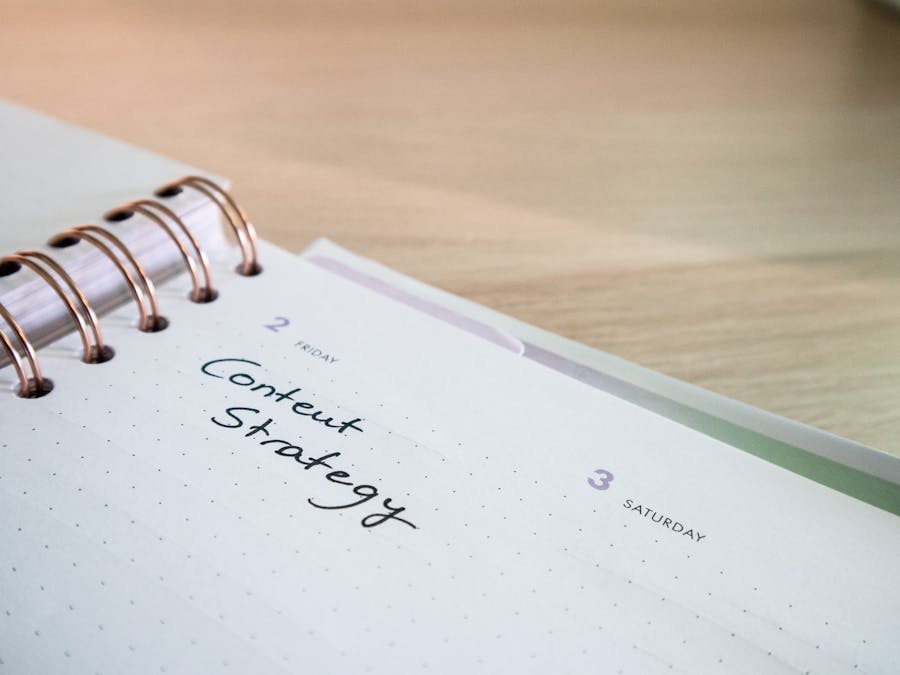
Consistency is one of the most important factors in social media success. Your audience expects regular content, and the algorithms tend to favor accounts that post reliably. But being online at the perfect posting time for every platform isn’t realistic, especially when you’re managing accounts across different time zones.
This is where social media scheduling tools become essential. These platforms let you create content in batches, schedule it for optimal times, and then step away knowing your posts will go live automatically. Instead of scrambling to post something every few hours, you can dedicate focused time to content creation and then schedule everything at once.
Most scheduling tools support multiple platforms, so you can manage your Instagram, Facebook, Twitter, LinkedIn, and other accounts from a single dashboard. This centralized approach saves time and helps you maintain a consistent brand voice across all your channels. Many tools also offer features like post previews, so you can see exactly how your content will appear before it goes live.
Beyond basic scheduling, many of these platforms include collaboration features. Team members can draft posts, submit them for approval, and leave comments for each other. This workflow is especially valuable for agencies or larger marketing teams where multiple people contribute to social media content.
Planning Content with a Calendar
A content calendar is more than just a schedule of when posts go live. It’s a strategic planning tool that helps you see the big picture of your social media presence. When you can visualize an entire month of content at once, you can spot gaps, ensure variety, and align your posts with important dates and campaigns.
Using a social holiday hashtag calendar helps you plan around holidays, awareness days, and trending topics that are relevant to your audience. These moments offer natural opportunities for engagement and can help your content feel timely and connected to what people are already talking about.
Content calendars also make it easier to balance different types of posts. You might want a mix of educational content, promotional posts, user-generated content, and behind-the-scenes glimpses. When you plan in advance, you can ensure this variety happens intentionally rather than posting whatever comes to mind in the moment.
Many scheduling tools include built-in calendar views, but some social media managers prefer dedicated planning tools or even simple spreadsheets. The format matters less than the habit of planning ahead and thinking strategically about your content mix.
Content Creation and Design Tools

Visual content dominates social media. Eye-catching graphics, engaging videos, and polished images stop the scroll and capture attention in crowded feeds. But not every social media manager has a graphic design background, and hiring a designer for every post isn’t practical for most teams.
Fortunately, design tools have become incredibly accessible. Platforms like Canva offer drag-and-drop interfaces with templates sized perfectly for each social platform. You can create professional-looking graphics without any design training, using pre-made layouts and simply swapping in your own text and images.
Video content has become increasingly important, and AI tools for social media videos are making video creation more accessible than ever. These tools can help with everything from generating captions to creating entire video clips from text prompts. As gen AI continues to improve, the possibilities for streamlining content creation keep expanding.
Photo editing tools are another essential category. Whether you’re adjusting lighting, removing backgrounds, or adding filters for a consistent aesthetic, having reliable editing software saves time and improves the quality of your visual content. Mobile apps make it possible to edit on the go, which is helpful when you’re capturing content at events or on location.
Stock photo and video libraries also deserve a place in your toolkit. While original content is ideal, there are times when you need a quick visual to accompany a post. Having subscriptions to quality stock libraries ensures you always have options that look professional and aren’t overused.
Managing Your Media Files
As you create more content, organizing your media files becomes increasingly important. Without a system, you’ll waste time searching for that perfect photo you know you took last month or recreating graphics because you can’t find the original files.
Tips for managing large media files include creating consistent folder structures, using descriptive file names, and regularly archiving content you no longer need immediate access to. Cloud storage solutions make it easy to access your files from anywhere and share them with team members.
When it comes to creating strong video content, having organized raw footage and finished videos becomes even more critical. Video files are large and can quickly fill up storage space, so having a clear system for what to keep and where to store it prevents headaches down the road.
Some social media management platforms include built-in media libraries where you can store approved images, videos, and graphics. This centralized approach ensures everyone on your team has access to the same assets and uses approved brand materials.
Analytics and Reporting Tools

Creating great content is only half the equation. Understanding how that content performs helps you refine your strategy and demonstrate the value of your work. Analytics tools transform raw data into actionable insights that guide your decisions.
Every major social platform offers native analytics, and these should be your starting point. They provide detailed information about your audience demographics, when your followers are most active, and which posts generate the most engagement. Spending time in these dashboards regularly helps you understand what’s working and what isn’t.
Social listening takes analytics a step further by tracking mentions of your brand, competitors, and industry topics across social media. This approach helps you understand audience sentiment, identify emerging trends, and find opportunities to join relevant conversations. It’s particularly valuable for reputation management and competitive analysis.
Third-party analytics tools can aggregate data from multiple platforms into unified dashboards, making it easier to compare performance across channels. They often offer more advanced reporting features than native analytics, including the ability to create custom reports for stakeholders.
When choosing analytics tools, consider what metrics matter most for your goals. If you’re focused on brand awareness, reach and impressions might be your priority. If you’re driving sales, you’ll want tools that can track conversions and attribute them to specific social media activities. The best tool is the one that answers the questions you’re actually asking.
Community Management and Customer Support Tools
Social media has become a primary customer service channel for many businesses. People expect quick responses when they reach out with questions or complaints, and how you handle these interactions affects your brand reputation.
Community management tools help you stay on top of comments, messages, and mentions across all your platforms. Instead of checking each app individually, you can see everything in one inbox and respond without switching between tabs. This centralized approach ensures nothing slips through the cracks.
For larger teams, these tools often include features like message assignment, so the right person handles each inquiry. You can tag conversations by topic, track response times, and ensure consistent messaging across all customer interactions.
Some organizations integrate help desk software with their social media tools to create seamless customer support workflows. When a social media inquiry requires more in-depth support, it can be escalated to the appropriate team without the customer having to repeat their issue.
Saved replies and templates speed up responses to common questions while maintaining a personal touch. You can create a library of approved responses that team members can customize as needed, ensuring consistency while still sounding human.
Cross-Channel Marketing Tools
Social media rarely exists in isolation. It’s typically part of a broader marketing strategy that includes email, content marketing, paid advertising, and other channels. Tools that help you coordinate across these channels create a more cohesive customer experience.
The benefits of integrating email with social media strategy are significant. You can promote your email list on social media, share social content in newsletters, and ensure your messaging is consistent across both channels. Some tools make this integration seamless by allowing you to manage both from the same platform.
Marketing automation platforms often include social media features alongside email and other channels. This unified approach helps you see the complete customer journey and understand how different touchpoints work together. You can create campaigns that span multiple channels and track their overall performance.
Even if you use separate tools for different channels, look for integration options. Many social media tools connect with email platforms, CRM systems, and other marketing software through native integrations or services like Zapier. These connections reduce manual work and keep your data synchronized.
Security and Privacy Tools

Social media accounts are valuable targets for hackers. A compromised account can damage your brand reputation, expose customer data, and take significant time and effort to recover. Taking security seriously is essential for any social media manager.
Understanding online privacy for social media managers starts with recognizing the risks you face. You likely have access to multiple accounts with large followings, making you an attractive target. You may also handle sensitive information about campaigns, customers, or business strategies.
Password management is fundamental to account security. Using unique, strong passwords for every account is essential, but remembering them all is impossible. Community discussions about the best business password managers can help you find a solution that works for your team. These tools generate and store complex passwords, making it easy to maintain good security habits.
Two-factor authentication should be enabled on every account you manage. This extra layer of security means that even if someone obtains your password, they can’t access your accounts without the second verification step. Most platforms offer this feature, and many security tools can help manage authentication codes.
A VPN app can help protect your connection when working remotely or on public networks. Coffee shops, airports, and hotels are convenient places to work, but their networks can be vulnerable. A VPN encrypts your internet traffic, making it much harder for anyone to intercept your data.
Regular security audits of your accounts help you catch potential issues before they become problems. Review who has access to your accounts, remove former team members, and check for any suspicious activity. Many platforms offer security checkup features that walk you through these steps.
Building Your Career as a Social Media Manager
Mastering these tools does more than make your current job easier. It also strengthens your professional value and opens doors for career advancement. Employers and clients look for social media managers who can work efficiently and deliver results.
When exploring social media manager career tips, you’ll find that tool proficiency is often highlighted as a key differentiator. Being able to demonstrate expertise with industry-standard platforms shows that you can hit the ground running in a new role.
Stay curious about new tools and features as they emerge. The social media landscape evolves constantly, and the tools that serve you well today may be replaced by better options tomorrow. Building a habit of continuous learning keeps your skills relevant and your toolkit current.
The best tools for social media managers are the ones that solve your specific challenges and fit your workflow. Start with the essentials, master them thoroughly, and then expand your toolkit as your needs grow. With the right tools in place, you can focus less on logistics and more on the creative, strategic work that makes social media management rewarding.


