




Growing your Instagram presence takes more than just posting great photos. With the platform’s constant updates and fierce competition for attention, you need the right Instagram marketing tools to stay ahead. These tools help you work smarter, not harder, by automating repetitive tasks and giving you insights that would take hours to gather manually.
Whether you’re a small business owner, content creator, or social media manager, having the right toolkit can make a huge difference in your results. From scheduling posts at the perfect time to understanding what content resonates with your audience, these tools handle the heavy lifting so you can focus on creating content your followers love.
In this guide, we’ll walk through the different categories of Instagram marketing tools and help you understand which ones might work best for your specific goals. Let’s explore what’s available and how each type of tool can support your growth.
Why Instagram Marketing Tools Matter for Growth
Instagram has grown into one of the most powerful platforms for businesses and creators. With nearly two billion monthly active users, the opportunity to reach your target audience is enormous. But that massive user base also means more competition for attention in people’s feeds.
This is where Instagram marketing tools become essential. They help you maintain consistency, which is one of the most important factors for growth. When you’re juggling content creation, engagement, and analytics manually, it’s easy to fall behind or miss optimal posting times. Tools automate these processes so your account stays active even when you’re busy with other responsibilities.
Another reason tools matter is the discovery potential on Instagram. Research shows that 60% of people say they discover new products on the platform. If you’re not showing up consistently with quality content, you’re missing out on potential customers or followers who are actively looking for what you offer.
Using the right Instagram marketing tactics alongside these tools amplifies your results. Tools give you the data and automation you need, while your strategy determines how you use them. Together, they create a system that can grow your account steadily over time without burning you out.
The time savings alone make these tools worthwhile. Tasks that might take you an hour each day, like responding to comments, researching hashtags, or analyzing your metrics, can often be reduced to just a few minutes with the right software.
Content Scheduling and Publishing Tools
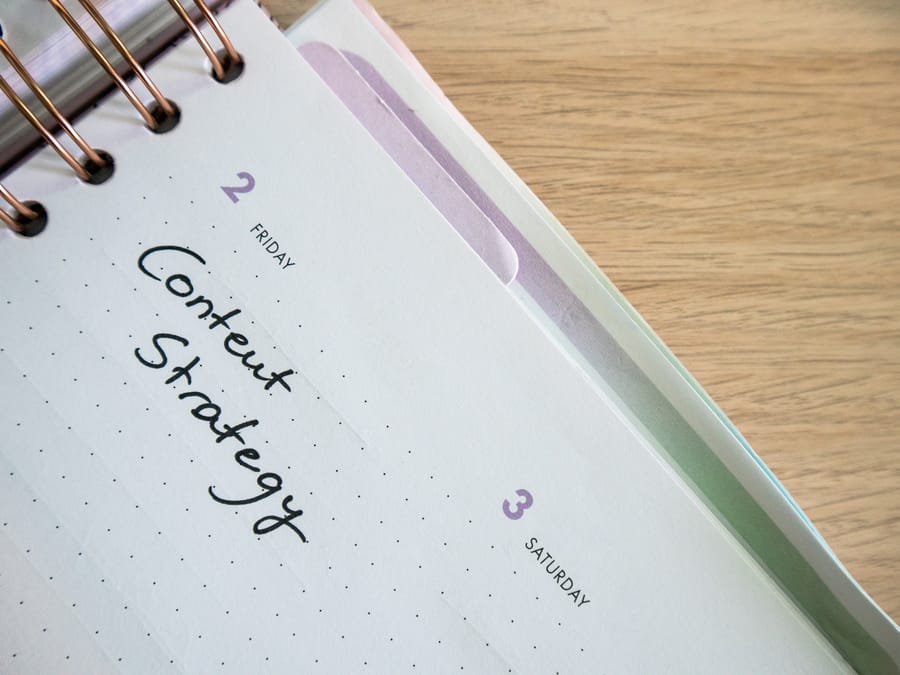
Consistency is the foundation of Instagram growth, and scheduling tools make it possible to post regularly without being glued to your phone. These tools let you plan your content days, weeks, or even months in advance, then automatically publish it at the times you choose.
The biggest advantage of scheduling tools is that they free up your time. Instead of stopping what you’re doing multiple times a day to post, you can batch your content creation into one session. Many creators find that dedicating a few hours once a week to plan and schedule their content is far more efficient than posting in real-time.
Most scheduling platforms also include features that help you find the best times to post. They analyze when your followers are most active and suggest optimal posting windows. This takes the guesswork out of timing and can significantly improve your engagement rates.
Popular scheduling tools typically offer visual content calendars where you can see your entire month at a glance. This makes it easy to spot gaps in your posting schedule or ensure you have a good mix of content types. Some tools even let you preview how your feed will look before posts go live, helping you maintain a cohesive aesthetic.
If you want to promote live streams on Instagram, scheduling tools can help you plan promotional posts leading up to your live event. This ensures your audience knows when to tune in and increases your live viewership.
For those looking to explore more options, this comprehensive tool list covers additional scheduling platforms worth considering. Many offer free trials, so you can test them before committing to a paid plan.
Key Features to Look For
When choosing a scheduling tool, look for features like auto-publishing for all content types including Reels and Stories. Some tools only support feed posts, which limits their usefulness. You’ll also want a tool with a user-friendly interface since you’ll be using it frequently.
Integration with other platforms is another consideration. If you manage multiple social media accounts, a tool that handles Instagram alongside Facebook, Twitter, and others can streamline your workflow considerably.
Analytics and Performance Tracking Tools
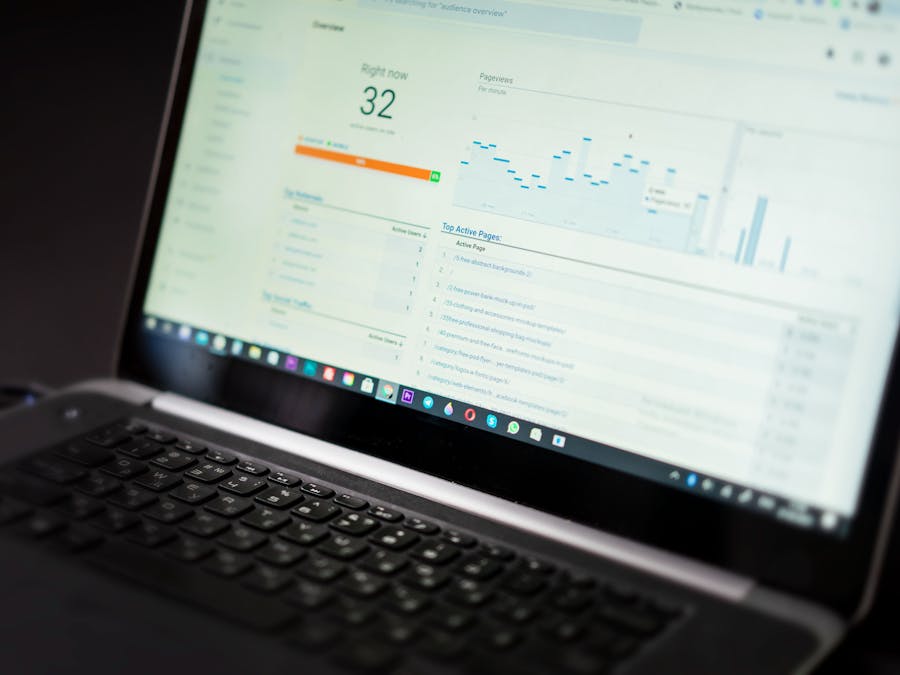
Understanding what works and what doesn’t is crucial for improving your Instagram strategy. Analytics tools go beyond Instagram’s built-in insights to give you deeper data about your account’s performance, audience behavior, and content effectiveness.
These tools track metrics like engagement rate, follower growth over time, best-performing posts, and audience demographics. With this information, you can make informed decisions about what content to create more of and what to adjust or eliminate from your strategy.
One valuable feature of analytics tools is competitor analysis. Many platforms let you track how similar accounts are performing, giving you benchmarks to measure your own progress against. This can reveal content ideas you hadn’t considered or posting strategies that might work for your niche.
Using Instagram location tools alongside your analytics can reveal geographic insights about your audience. You might discover that a significant portion of your followers are in a specific region, which could influence your posting times or content topics.
For a broader understanding of how different tool categories work together, this tools guide provides helpful context on building your social media toolkit.
Metrics That Matter Most
While it’s tempting to focus on follower count, engagement rate is often a more meaningful metric. A smaller account with high engagement typically performs better than a large account where followers don’t interact with content.
Track your saves and shares as well. These actions indicate that people find your content valuable enough to revisit or recommend to others. Instagram’s algorithm tends to favor content that generates these deeper forms of engagement.
Photo and Video Editing Tools
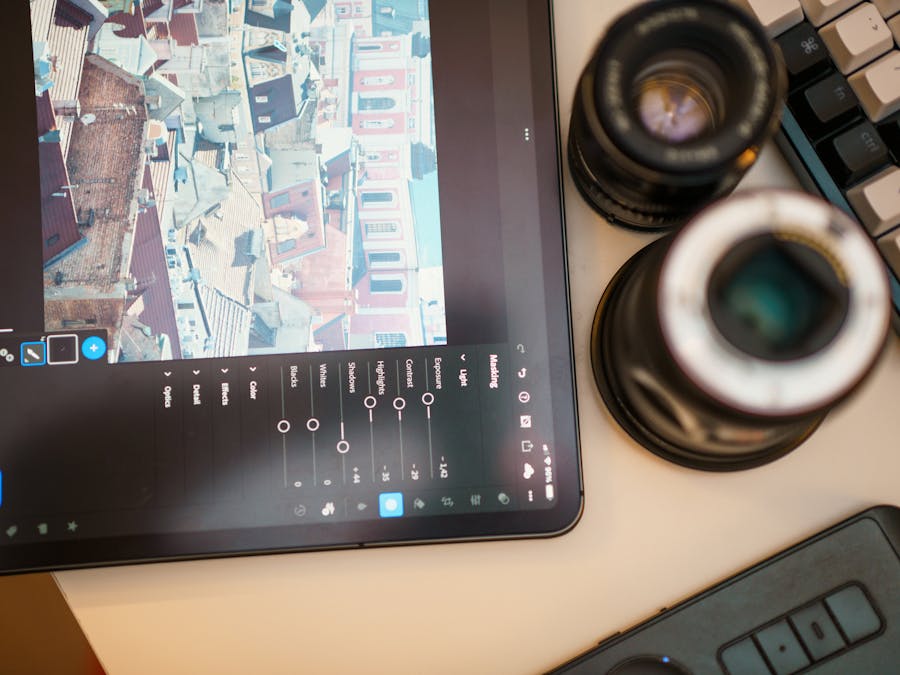
Visual quality matters on Instagram. While you don’t need professional photography equipment, having tools that help you enhance your photos and videos can make your content stand out in crowded feeds.
Photo editing apps offer features like filters, exposure adjustments, color correction, and cropping tools. These help you maintain a consistent look across your feed, which contributes to a professional appearance that attracts followers. Creating stylized visual content for social media has become increasingly important as users scroll through hundreds of posts daily.
For photo editing with preset filters that create cohesive aesthetics, VSCO remains a popular choice among Instagram creators. The app offers a wide range of filters and editing tools that help maintain visual consistency across your posts. Editing apps polish a photo you already have. When you need to build a post from scratch instead, such as a quote graphic, a carousel slide, or a promo announcement, an Instagram Post Maker is the better fit. It starts you from correctly sized templates rather than a blank canvas you have to design around. Most creators end up using both: one tool to fix the photo, another to build the posts that aren’t photos at all.
Video content has become essential on Instagram, especially with the rise of Reels. Video editing tools help you trim clips, add music, include text overlays, and create transitions that keep viewers watching. Many AI tools for social media videos now make it easier than ever to create professional-looking video content without extensive editing experience.
Mobile vs. Desktop Editing
Mobile editing apps are convenient for quick edits and posting on the go. They’re perfect for Stories and casual content where speed matters more than perfection.
Desktop software typically offers more powerful features for detailed editing work. If you’re creating high-quality Reels or want more control over your edits, desktop tools might be worth the extra effort. Many creators use a combination of both depending on the content type.
Maintaining Visual Consistency
One of the keys to a professional-looking Instagram feed is consistency. This doesn’t mean every photo needs to look identical, but having a recognizable style helps build your brand identity.
Consider creating preset filters or editing templates that you apply to all your content. This saves time and ensures your posts have a cohesive look that followers come to recognize and associate with your account.
Caption Writing and Hashtag Tools
Great visuals get people to stop scrolling, but your captions and hashtags determine whether they engage and whether new people discover your content. Tools in this category help you write more compelling captions and find hashtags that actually work.
Caption writing tools can help you overcome writer’s block by suggesting ideas, improving your grammar, or helping you structure your thoughts more clearly. Some tools analyze your past captions to identify patterns in what performs well, giving you data-driven guidance on your writing style.
Using writing tools for Instagram growth can be particularly helpful when you need to create captions in bulk or want to improve the quality of your copy without spending hours on each post.
Hashtag tools are equally important. They help you research which hashtags are relevant to your content, how competitive they are, and which ones your target audience actually follows. Using the right mix of popular and niche hashtags can significantly expand your reach.
Hashtag Strategy Tips
Avoid using the same hashtags on every post. Instagram may view this as spammy behavior. Instead, create several hashtag sets for different content types and rotate through them.
Mix hashtag sizes in your strategy. Large hashtags with millions of posts give you exposure but your content gets buried quickly. Smaller, niche hashtags have less competition and keep your content visible longer. A combination of both typically works best.
Engagement and Community Management Tools

Building a community on Instagram requires more than just posting content. You need to respond to comments, answer direct messages, and interact with your followers regularly. Engagement tools help you manage these interactions efficiently.
These tools often consolidate all your comments and messages into a single dashboard, making it easier to respond without switching between different parts of the Instagram app. Some include features like saved replies for common questions, which speeds up your response time.
Community management tools can also help you identify your most engaged followers. These are the people who consistently like, comment, and share your content. Recognizing and nurturing these relationships can turn casual followers into brand advocates.
Combining these tools with solid Instagram marketing tips creates a powerful system for building genuine connections with your audience. Tools handle the logistics while you focus on creating meaningful interactions.
Responding Effectively
Speed matters when responding to comments and messages. People appreciate quick replies, and Instagram’s algorithm may favor accounts that actively engage with their community.
Personalize your responses when possible. Generic replies like “Thanks!” are better than nothing, but thoughtful responses that address what the person actually said create stronger connections and encourage more engagement.
Managing Negative Feedback
Not all engagement is positive. Community management tools can help you monitor for negative comments or spam and address them quickly. Having a plan for handling criticism professionally protects your brand reputation and shows other followers that you take feedback seriously.
Account Management and Settings
Before diving into marketing tools, it’s important to have your account set up correctly. The type of account you have affects which features and tools you can access.
Business and Creator accounts on Instagram provide access to insights, the ability to schedule posts through third-party tools, and features like contact buttons and category labels. If you’re serious about marketing on Instagram, one of these account types is essential.
However, there are situations where you might want to switch to a personal Instagram account. Personal accounts offer more privacy and some users prefer them for various reasons. Understanding when each account type makes sense helps you make the right choice for your goals.
Many marketing tools require a Business or Creator account to function properly. Before investing in tools, check that your account type supports the features you need. Switching account types is straightforward and can be done in your Instagram settings.
Optimizing Your Profile
Your profile is often the first thing potential followers see. Make sure your bio clearly communicates who you are and what value you provide. Include a call to action and use your link wisely, whether it’s to your website, a link-in-bio tool, or a specific landing page.
Profile optimization isn’t a one-time task. Review and update your bio periodically to reflect any changes in your focus or offerings.
How to Choose the Right Tools for Your Needs
With so many Instagram marketing tools available, choosing the right ones can feel overwhelming. The key is to start with your specific goals and challenges, then find tools that address them directly.
Consider your budget first. Many tools offer free versions with limited features that work well for beginners or small accounts. As your needs grow, you can upgrade to paid plans that offer more functionality. Don’t pay for features you won’t use.
Think about your biggest time drains. If you spend hours each week scheduling posts, a scheduling tool should be your priority. If you struggle to understand what content works, invest in analytics first. Address your most pressing needs before adding more tools to your workflow.
Start Simple and Expand
It’s tempting to sign up for every tool that sounds useful, but this often leads to overwhelm and wasted money. Start with one or two tools that solve your biggest problems. Master those before adding more to your toolkit.
Many tools offer overlapping features. A scheduling tool might include basic analytics, or an analytics platform might offer hashtag research. Look for tools that cover multiple needs to simplify your workflow and reduce costs.
Consider Your Account Size
Your account size influences which tools make sense. A small account just starting out might do fine with free tools and Instagram’s built-in features. Larger accounts with more content and engagement typically benefit from more robust paid solutions.
As your account grows, your tool needs will evolve. What works when you have a few hundred followers might not scale well when you have thousands. Be prepared to reassess your toolkit periodically and make changes as needed.
Test Before Committing
Most reputable tools offer free trials or free tiers. Take advantage of these to test whether a tool actually fits your workflow before paying for a subscription. What works great for one person might not suit your style or needs.
During your trial period, pay attention to how intuitive the tool feels. If you’re constantly frustrated or confused, you’re less likely to use it consistently, which defeats the purpose of having it.
Building an effective Instagram marketing toolkit takes time and experimentation. Focus on tools that genuinely save you time or improve your results, and don’t be afraid to drop tools that aren’t delivering value. The right combination of Instagram marketing tools will help you grow your account more efficiently while freeing up time to focus on what matters most: creating content that connects with your audience.


